

Ayup! If you’re wondering how to design a flyer or leaflet for free, you’ve landed in the right place. Thankfully, there are a couple of solid, not to mention popular options. This article covers the tool that most of our clients here at Leaflet Lion use. Additionally, I’ll dive into a few of the most in-demand alternatives.
With decreasing budgets and increasing Adobe fees, finding a free design tool is important for lots of businesses. I know this because nearly all the artwork we receive for printing was designed with free software. Gone are the days when everyone needed a Creative Cloud subscription. Hooraa!
Design your leaflet for free with Canva
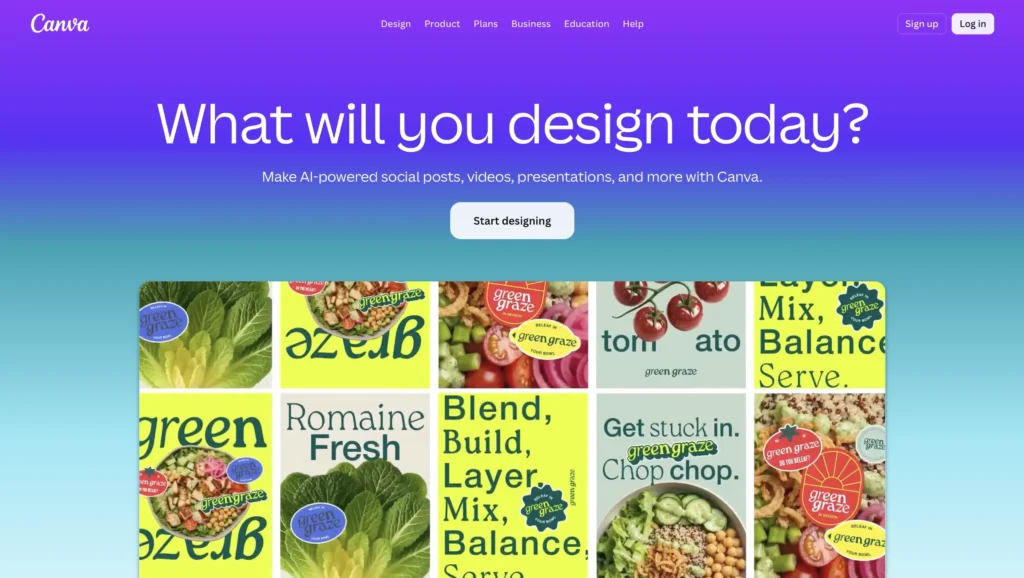
By far, the most popular way to design a flyer or leaflet for free is with Canva. Professional graphic designers love to dismiss it, but in reality, it’s a powerful beast. There’s really not much you can’t do in Canva these days.
It’s intuitive, easy to use, and to say it’s popular with marketers would be an understatement. The templates are one of the primary reasons for the love it receives. It removes the barrier between blank page and workable design.
You’ll be able to get your flyer or leaflet set up in a matter of minutes. Simply pick a template you like, or start from scratch. Furthermore, you can import all of your brand assets to use consistently across all of your designs.
Canva is completely free to use, with the option of upgrading to a Pro account. This will set you back £100 per year here in the UK.
Canva Brand features give Admins and Brand Designers a central space to manage any brand assets and guidelines. This includes logos, colours, fonts and other assets such as photography, illustrations, icons, and graphics.
Or check out Affinity
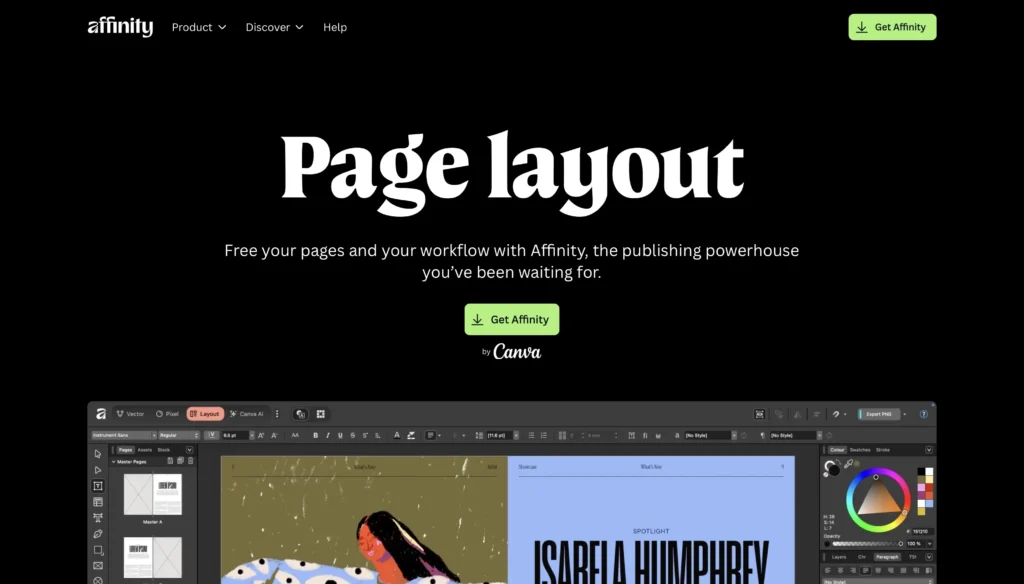
Next up, for anyone wanting more of an InDesign experience, Affinity‘s the one for you. Still owned by Canva, but an entirely different way of working. You won’t find any templates here or a built-in stock library. That said, you can access free stock images from Pixabay or Pexels directly through the app when needed.
The main advantage of Affinity is that it is more geared towards print design. From setting up your colour profile and DPI to adding your bleed and margin. Basically, you get a lot more control over the settings that are required for commercial printing.
It’s my tool of choice; therefore comes highly recommended. I also recently wrote a review comparing Affinity to InDesign. Expect a much steeper learning curve than Canva, but the software is ideal for anyone transitioning from Adobe.
Affinity is completely free to download and use. An optional Canva Pro account unlocks various AI editing tools and will set you back £100 per year.
From books, magazines, and marketing materials to social media templates, website mockups, and more, Affinity gives you the structure, flexibility, and control to create complex docs, all in one seamless space.
If all else fails…
If, for any reason, Canva or Affinity don’t tick all the right boxes, here are a couple of backup options for you.
Firstly, you may want to take a look at Adobe Express. This is basically Adobe’s version of Canva. I’ve not used it, so I can’t comment too much, but it’s there as an option if needed.
Alternatively, most larger printers, such as Vistaprint and Instaprint, let you design your flyer or leaflet for free on their website. Similar to Canva, you can start with a template and edit it as you please. Again, not something I’ve used myself, but there if you need it.
How to design a flyer or leaflet for free
- Canva
- Affinity
- Adobe Express
- Vistaprint
- Instaprint
Canva is the most popular way to design a flyer or leaflet for free. It will easily meet the vast majority of marketers’ needs. For a little more control and precision, as well as more of an InDesign experience, Affinity will be your go-to.
Both incredibly powerful tools. Affinity is my personal fave, while Canva is the number one choice of our clients. Each has the option to upgrade to a pro account. That said, the free version will usually cover most of your requirements when it comes to designing a flyer or leaflet.
I’m 99.7% confident that either Canva or Affinity will be the perfect solution for most people. If not, Adobe Express and the built-in design tools on print websites may be a viable alternative. Happy designing!